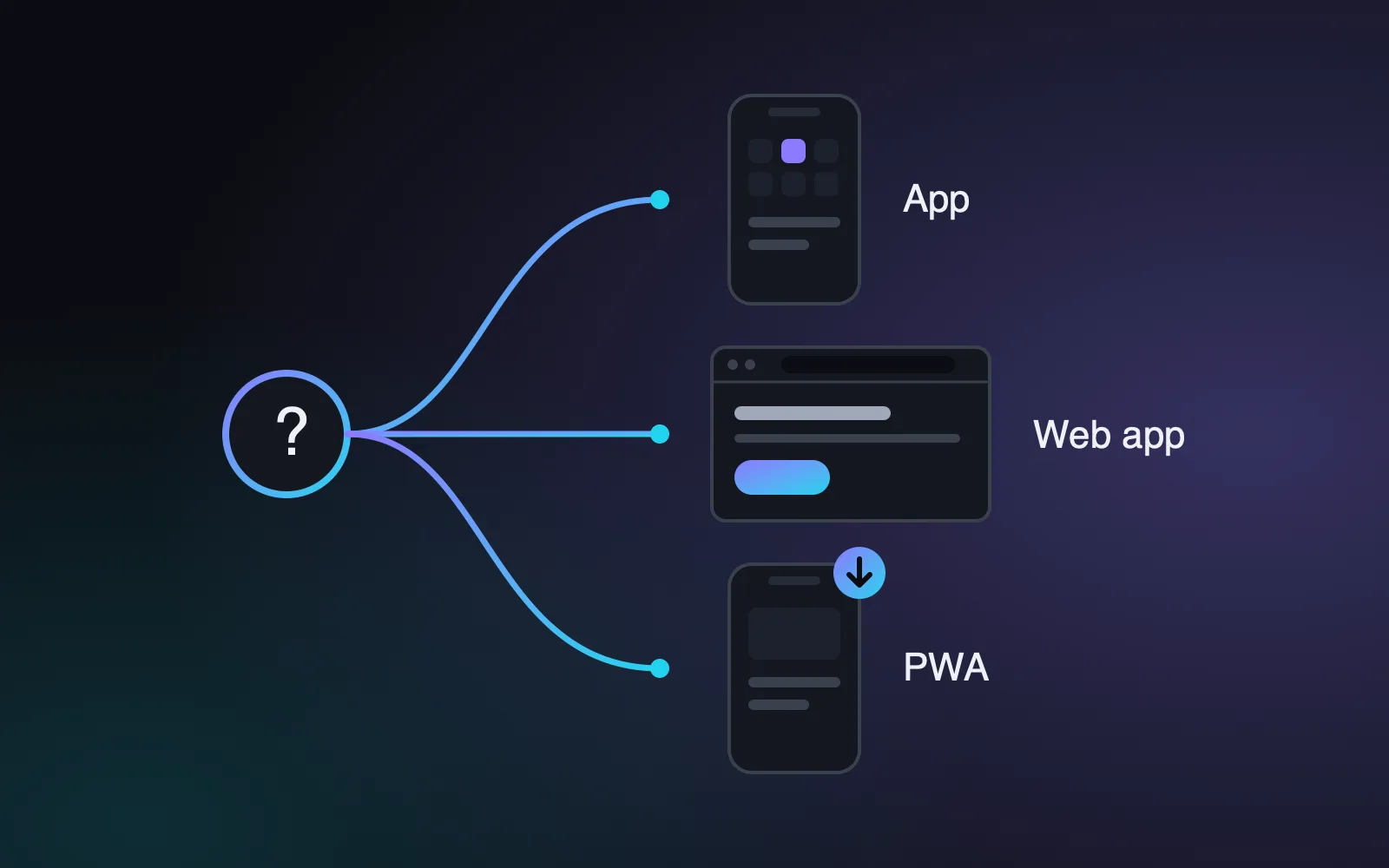
When a business decides it needs “an app”, the first technical question is usually how to build it. That’s where three terms appear that are sometimes used as if they meant the same thing: native app, web app and PWA. They don’t, and choosing the wrong one can mean paying twice for the same thing or ending up without a feature you needed.
In this article we explain what each option is, when it makes sense and which questions to ask yourself before deciding. There isn’t one right answer for every case: it depends on who will use the application, where and what for.
The three options in brief
Native app
This is the application you download from the App Store (iPhone) or Google Play (Android). It is built for each system, or with tools that produce both versions from the same code. It is the option that makes the most of the phone: camera, location, notifications, sensors, offline use and a very smooth experience.
In return, it goes through the stores. Every release and every update is subject to their review, you have to follow their rules and, depending on the business model, fees may apply. Each store’s rules, costs and timescales change over time, so it’s worth checking them case by case.
Web app
A web app, or web application, is an application that runs in the browser, just like a website, but with the logic of a program: login, forms, dashboards, data management. It is used from a computer, tablet or phone without installing anything. A customer portal or an internal management tool are typical examples.
Its big advantage is that there is a single build for every device, and updates reach everyone straight away, without going through any store.
PWA
A PWA (progressive web app) is a web app with some added capabilities: it can be installed on the home screen of a phone or computer, it opens like an app and it can work offline to a degree, for example by showing information it had already loaded. On some devices it can send notifications.
It is an interesting middle ground, but bear in mind that what a PWA can do depends on the system and the browser, and that not every phone feature is available in the same way as in a native app.
Five questions before you choose
- Who will use it? Your team, your customers or the general public. An internal tool rarely needs to be in a store. A consumer app competing for people’s attention may well do.
- Where will they use it? If it’s used mainly on an office computer, a web app is the natural choice. If it’s used out and about, in a warehouse or with poor coverage, offline use matters more.
- Which phone features does it really need? Scanning codes, taking photos, using location in the background or connecting to other devices. Make the list specific; it is often shorter than it seems.
- How will your users find it? Through a link you send them, by searching in a store or from your website. Being in a store gives some users visibility and confidence, but it doesn’t guarantee downloads.
- How much can you put into maintaining it? A native app has to keep pace with system updates and store rules. A web app is maintained in one place.
An honest comparison
- Initial cost. A web app or PWA is usually cheaper because there is a single build. A native app costs more, especially if two separate versions are built.
- Maintenance. Simpler on the web. With native apps, every version has to be published in the stores and adapted to their changes.
- Device access. Fullest in native apps, limited in PWAs and minimal in a standard web app.
- Distribution. The stores provide a shop window and a built-in payment system, but also rules and reviews. The web has no intermediaries: a link is enough.
- Updates. On the web, immediate for everyone. With native apps, each user has to update, and different versions coexist.
Typical scenarios
Imagine a portal where your customers check orders, download invoices and report issues. They use it now and then, from a computer or a phone. A well-built web app covers that need without the complications of the stores.
Now imagine a team of technicians who make site visits, sign off job sheets on their phones and sometimes work in basements with no signal. Here a PWA that works well offline may be enough, and if advanced device features are needed, a native app starts to make sense.
Finally, a consumer product that wants people to use it every day, with frequent notifications and a presence in the stores, usually justifies a native app from the start.
A path that reduces risk
If you’re not sure, there is a prudent strategy: start with a web app or PWA covering the essentials, check that people use it and that it solves the problem, and only then decide whether a native app is worth it. If the server side (the data, the users and the logic) is designed well from the start, much of the work can be reused later.
What you should avoid is the opposite: investing in two native apps before you know whether anyone will use them.
The next step
Before asking for quotes, write a single page covering who will use the application, on which device, the five main tasks they will carry out and which phone features are essential. With that document, any serious provider will be able to recommend an option and justify it.
If you’d like to go through it together, at Brains we help you choose the approach and define the first version. You can see how we work in app development and, if your project is a better fit for a website, in web development. Or simply tell us about your idea.